
Table of Contents
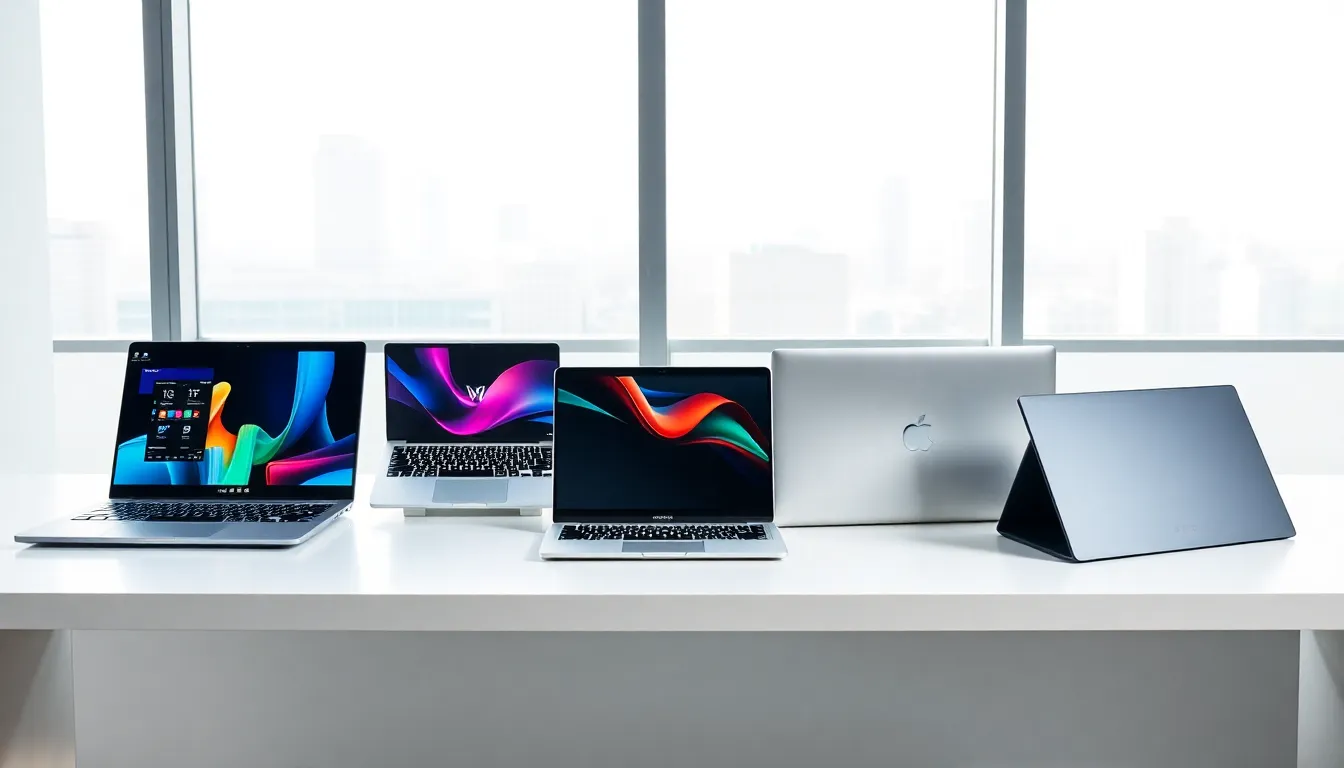
ToggleLaptops examples range from powerful gaming machines to sleek ultrabooks and budget-friendly options. Choosing the right laptop depends on specific needs, whether that’s crunching spreadsheets, playing the latest games, or simply browsing the web without very costly. This guide breaks down the main laptop categories and highlights popular models in each. By the end, readers will have a clearer picture of which laptop type fits their lifestyle and budget.
Key Takeaways
- Laptops examples span five main categories: business, gaming, ultrabooks, budget-friendly, and 2-in-1 convertibles—each designed for specific user needs.
- Business laptops like the ThinkPad X1 Carbon and Dell Latitude prioritize security, durability, and all-day battery life for professionals.
- Gaming laptops pack powerful dedicated graphics and high-refresh displays but trade portability and battery life for performance.
- Ultrabooks such as the MacBook Air M3 and Dell XPS 13 offer premium portability under 3 pounds, ideal for travelers and students.
- Budget laptops under $600, including the Acer Aspire 5 and Lenovo IdeaPad 3, handle everyday tasks without breaking the bank.
- 2-in-1 convertible laptops examples like the Surface Pro 9 and HP Spectre x360 provide tablet flexibility with full laptop functionality.
Business and Productivity Laptops
Business laptops prioritize reliability, security, and all-day battery life. These machines handle office tasks like document editing, video calls, and multitasking across dozens of browser tabs.
Popular laptops examples in this category include:
- Lenovo ThinkPad X1 Carbon – A long-standing favorite among professionals. It offers a lightweight carbon fiber build, excellent keyboard, and strong security features like fingerprint readers and IR cameras.
- Dell Latitude 7440 – Known for durability and enterprise-grade security. Dell’s Latitude series delivers consistent performance for corporate environments.
- HP EliteBook 840 G10 – Combines premium build quality with Intel vPro technology, making it a solid choice for IT-managed fleets.
- Apple MacBook Pro 14-inch – For those in creative fields who also need productivity power, this laptop delivers the M3 chip’s performance alongside macOS stability.
Business laptops often include features like TPM chips, military-grade durability ratings, and docking station compatibility. They’re built to last through years of daily use. The keyboards tend to be more comfortable for extended typing sessions, something that matters when someone spends eight hours a day at a computer.
These laptops examples show that productivity machines don’t sacrifice performance for portability. Most weigh under 3 pounds while still packing 16GB or more of RAM.
Gaming Laptops
Gaming laptops pack serious graphics power into portable packages. They run demanding games at high frame rates and handle content creation tasks like video editing and 3D rendering.
Here are some laptops examples built for gaming:
- ASUS ROG Zephyrus G14 – A compact 14-inch gaming laptop with AMD Ryzen processors and NVIDIA RTX graphics. It’s surprisingly portable for a gaming machine.
- Razer Blade 15 – Sleek design meets powerful specs. The Blade 15 looks professional enough for an office while running AAA games smoothly.
- MSI Titan GT77 – A desktop replacement with top-tier components. This beast features up to RTX 4090 graphics and a mechanical keyboard.
- Alienware m18 – Dell’s gaming brand delivers a massive 18-inch display with high refresh rates and Dolby Vision support.
Gaming laptops typically feature dedicated graphics cards, high-refresh-rate displays (144Hz to 360Hz), and advanced cooling systems. They’re thicker and heavier than other laptops examples, but that’s the trade-off for performance.
Battery life is usually the weak point. Expect 3-5 hours for general use and significantly less during gaming sessions. Most gamers keep these plugged in during intense play.
Prices range from $1,000 for entry-level models to $4,000+ for flagship configurations.
Ultrabooks and Lightweight Laptops
Ultrabooks focus on portability without sacrificing too much power. These thin-and-light machines weigh around 2-3 pounds and slip easily into any bag.
Notable laptops examples in the ultrabook category:
- Apple MacBook Air M3 – The new standard for lightweight performance. Apple’s M3 chip delivers impressive speed while maintaining all-day battery life (up to 18 hours).
- Dell XPS 13 – A Windows favorite with an edge-to-edge display and compact footprint. The XPS line has defined ultrabook design for years.
- ASUS ZenBook S 13 OLED – Stunning OLED display in a sub-1kg package. Great for travelers who want vibrant visuals.
- LG Gram 17 – Defies expectations with a 17-inch screen that weighs just 3 pounds. Perfect for those who want screen real estate without the bulk.
Ultrabooks typically feature solid-state drives, fanless or quiet cooling, and premium materials like aluminum or magnesium alloy. They’re ideal for students, frequent travelers, and anyone who values mobility.
The trade-off? Most ultrabooks lack dedicated graphics and limit upgrade options. RAM and storage are often soldered to the motherboard. Buyers should spec these laptops examples carefully at purchase since upgrades aren’t possible later.
Budget-Friendly Laptops
Not everyone needs a $2,000 machine. Budget laptops deliver essential features at accessible prices, typically under $600.
Solid laptops examples for budget-conscious buyers:
- Acer Aspire 5 – A well-rounded laptop with Full HD display, decent performance, and upgradeable RAM. Often available under $400.
- HP 15 – Simple, reliable, and affordable. HP’s entry-level line handles everyday tasks like web browsing, streaming, and document work.
- Lenovo IdeaPad 3 – Offers good value with AMD Ryzen processors and comfortable keyboards at competitive prices.
- ASUS Vivobook 15 – Thin bezels and modern styling at budget-friendly prices. A step up in aesthetics from most cheap laptops.
- Chromebook Plus models – For users who live in the browser, Chromebooks offer fast boot times and excellent battery life starting around $300.
Budget laptops work well for students, casual users, and anyone with straightforward computing needs. They handle email, Microsoft Office, Netflix, and social media without issues.
Expect compromises on build quality, display brightness, and processing power compared to premium laptops examples. Plastic builds are common, and screens may not get as bright or colorful. But for basic productivity, these machines get the job done.
2-in-1 Convertible Laptops
2-in-1 laptops combine laptop functionality with tablet flexibility. They either detach their screens or fold 360 degrees to transform between modes.
Popular laptops examples with convertible designs:
- Microsoft Surface Pro 9 – The tablet-first approach. The keyboard attaches magnetically, and users get a true tablet experience when detached.
- Lenovo Yoga 9i – A hinge-based convertible with premium features like a leather palm rest option and excellent speakers.
- HP Spectre x360 – Gem-cut edges and OLED display options make this one of the most stylish 2-in-1 laptops examples available.
- Dell XPS 13 2-in-1 – Combines Dell’s acclaimed XPS design with tablet versatility.
2-in-1 laptops excel for note-taking, digital art, and presentations. Artists and students often prefer them for stylus input, most support active pens with pressure sensitivity.
Tent mode works great for watching movies on planes or tight spaces. Tablet mode suits reading and casual browsing. Laptop mode handles regular work.
The main drawback is weight distribution. Hinge-based models can feel top-heavy in tablet mode. Detachable keyboards sometimes flex during lap use. Still, these laptops examples offer versatility that traditional clamshell designs can’t match.


