
Table of Contents
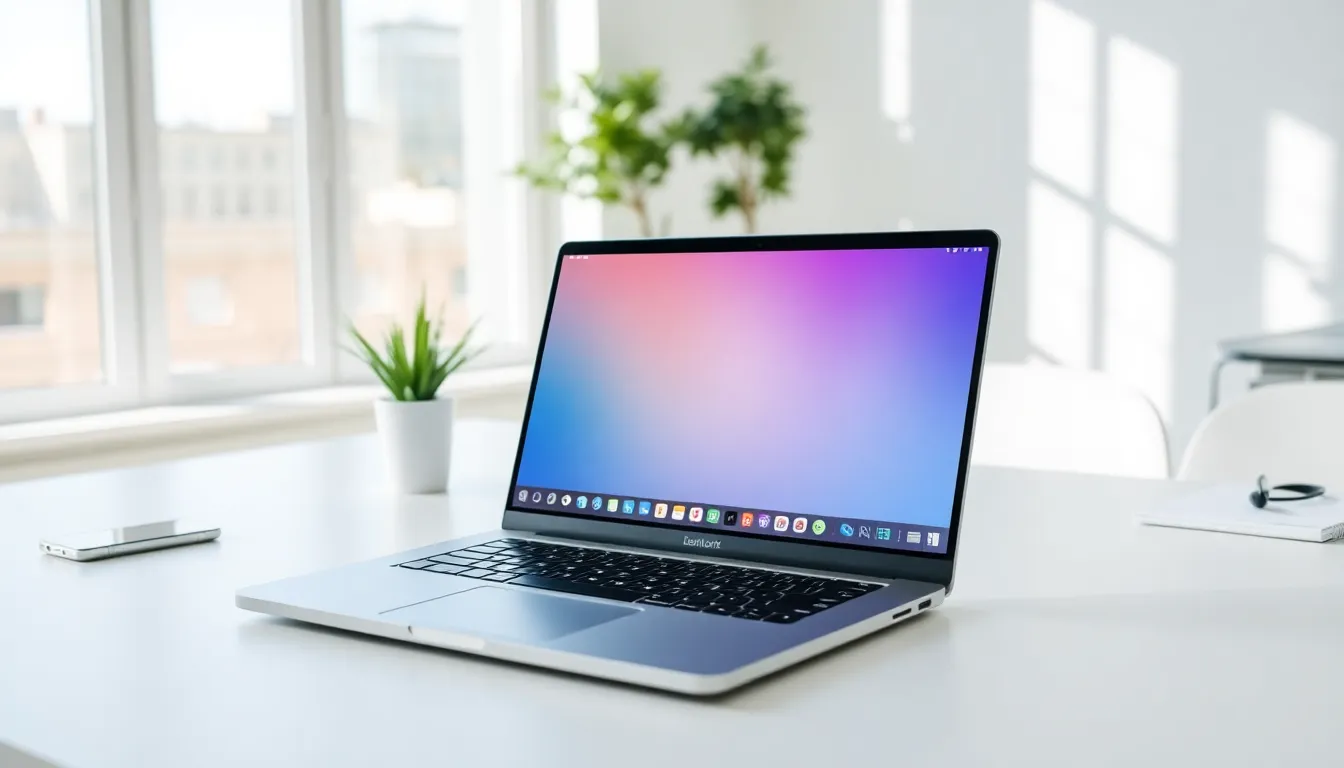
ToggleA laptop is a portable computer that combines all the components of a desktop into a single, compact device. Users can carry laptops anywhere, work from coffee shops, or stream movies in bed. This flexibility has made laptops the most popular computing choice worldwide.
Modern laptops range from lightweight ultrabooks to powerful gaming machines. They serve students, professionals, creatives, and casual users alike. Understanding what laptops offer, and how they differ from other computers, helps buyers make smarter purchasing decisions.
This guide covers how laptops work, their key components, different types available, and how they compare to desktop computers. It also provides practical tips for choosing the right laptop based on specific needs and budgets.
Key Takeaways
- A laptop is a portable computer that integrates a processor, memory, storage, display, keyboard, and battery into one compact device for work or entertainment anywhere.
- Key laptop components like CPU, RAM, and SSD directly impact performance—8GB RAM and a 256GB SSD suit general users, while creative professionals need 16GB+ RAM and dedicated GPUs.
- Laptops come in various types including ultrabooks, gaming laptops, 2-in-1s, Chromebooks, and workstations, each designed for specific needs and budgets.
- Compared to desktops, laptops offer superior portability but typically have less upgradability and lower price-to-performance ratios.
- The ideal laptop budget for most users falls between $700 and $1,200, balancing performance with practical features.
- Always check independent reviews for real-world battery life, as manufacturer claims often run 20-40% higher than actual usage.
How Laptops Work
Laptops work by integrating a processor, memory, storage, display, keyboard, and battery into one portable unit. The processor (CPU) handles all computing tasks. It reads instructions from software and executes them millions of times per second.
When a user opens an application, the laptop loads data from storage into RAM (random access memory). RAM provides fast, temporary storage that the processor can access quickly. More RAM allows laptops to run multiple programs smoothly.
The graphics processing unit (GPU) renders images, videos, and animations on the display. Some laptops use integrated graphics built into the CPU. Others include dedicated graphics cards for gaming or video editing.
A laptop’s battery stores electrical energy and powers all components when unplugged. Lithium-ion batteries are standard in modern laptops. They offer good energy density and can handle hundreds of charge cycles before degrading.
The operating system ties everything together. Windows, macOS, and ChromeOS are the most common options. The operating system manages hardware resources and provides the interface users interact with daily.
Key Components of a Laptop
Every laptop contains several essential components that determine its performance and capabilities.
Processor (CPU)
The CPU acts as the laptop’s brain. Intel and AMD manufacture most laptop processors. Current generations include Intel Core Ultra and AMD Ryzen 7000 series chips. Faster processors handle demanding tasks like video editing and 3D rendering better than budget options.
Memory (RAM)
RAM affects how many programs a laptop can run simultaneously. Most laptops ship with 8GB or 16GB of RAM. Power users benefit from 32GB or more. Unlike desktops, many modern laptops have soldered RAM that users cannot upgrade.
Storage
Solid-state drives (SSDs) have replaced hard disk drives (HDDs) in most laptops. SSDs read and write data much faster. They also have no moving parts, making them more durable. Storage capacities typically range from 256GB to 2TB.
Display
Laptop displays vary in size, resolution, and panel type. Screen sizes range from 11 inches to 17 inches. Resolution options include Full HD (1920×1080), QHD (2560×1440), and 4K (3840×2160). IPS panels offer better color accuracy than TN panels.
Battery
Battery capacity is measured in watt-hours (Wh). Larger batteries provide longer runtime but add weight. Typical laptops last 6-12 hours on a single charge, depending on usage and screen brightness.
Keyboard and Trackpad
Built-in keyboards vary in key travel, layout, and backlighting. Trackpads have improved significantly, with glass surfaces and gesture support becoming standard on mid-range and premium laptops.
Types of Laptops
Laptops come in several distinct categories, each designed for specific use cases.
Ultrabooks
Ultrabooks prioritize portability. They weigh under 3 pounds and measure less than 0.7 inches thick. These laptops sacrifice some performance for extreme portability. Business travelers and students often prefer ultrabooks.
Gaming Laptops
Gaming laptops include powerful dedicated GPUs and high-refresh-rate displays. They handle modern games at high settings. The tradeoff? They’re heavier, louder, and have shorter battery life than other laptop types.
Business Laptops
Business laptops emphasize reliability, security features, and durability. ThinkPads and Dell Latitude models are popular examples. They often include fingerprint readers, smart card slots, and spill-resistant keyboards.
2-in-1 Laptops
These convertible devices function as both laptops and tablets. The screen either detaches or folds back 360 degrees. Artists and note-takers appreciate the touchscreen and stylus support.
Chromebooks
Chromebooks run Google’s ChromeOS instead of Windows or macOS. They rely heavily on web applications and cloud storage. Chromebooks typically cost less than Windows laptops and boot extremely fast.
Workstation Laptops
Workstation laptops target professionals who need maximum performance. Engineers, architects, and video editors use them for resource-intensive software. These machines often feature ECC memory and professional-grade GPUs.
Laptops vs. Desktop Computers
Laptops and desktops serve different needs. Understanding their differences helps buyers choose wisely.
Portability is the laptop’s biggest advantage. Users can work from anywhere with a laptop. Desktops stay in one location.
Performance generally favors desktops. Desktop components run faster because they have better cooling and aren’t limited by battery constraints. A $1,000 desktop outperforms a $1,000 laptop in most tasks.
Upgradability differs significantly. Desktop users can swap out almost any component. Most laptop users can only upgrade storage and sometimes RAM. Some laptops allow no upgrades at all.
Price-to-performance ratio benefits desktops. Buyers get more computing power per dollar with a desktop. But, laptops include a screen, keyboard, and trackpad, components desktop buyers must purchase separately.
Ergonomics can be better with desktops. Users can position monitors at eye level and choose their preferred keyboard. Laptop users often hunch over their screens unless they add external peripherals.
Repairability is easier with desktops. When a laptop screen breaks, repair costs can approach the price of a new machine. Desktop monitors are separate and cheaper to replace.
Many people own both, a desktop for heavy work at home and a laptop for travel and flexibility.
How to Choose the Right Laptop
Choosing the right laptop requires matching specifications to intended use.
Define the primary use case first. Students writing papers need different specs than gamers or video editors. A $400 Chromebook handles web browsing and documents perfectly. A professional video editor might need a $2,500 workstation.
Set a realistic budget. Laptops range from $200 to $5,000+. The sweet spot for most users falls between $700 and $1,200. This range delivers good performance without unnecessary features.
Prioritize the right specs:
- For general use: 8GB RAM, 256GB SSD, any modern processor
- For creative work: 16GB+ RAM, 512GB+ SSD, dedicated GPU
- For gaming: 16GB RAM, dedicated GPU (RTX 4060 or better), high-refresh display
- For programming: 16GB+ RAM, 512GB+ SSD, comfortable keyboard
Consider screen size carefully. Larger screens improve productivity but reduce portability. A 14-inch laptop balances both well. Frequent travelers might prefer 13 inches. Users who rarely move their laptop can enjoy 15 or 17 inches.
Check battery life claims, then reduce them. Manufacturer estimates assume light use. Real-world battery life runs 20-40% lower. Read independent reviews for accurate numbers.
Don’t overlook build quality. A cheap plastic laptop might not survive daily backpack trips. Aluminum and magnesium alloy chassis hold up better.
Buy from retailers with good return policies. Spending a few days with a laptop reveals issues that store visits can’t.


